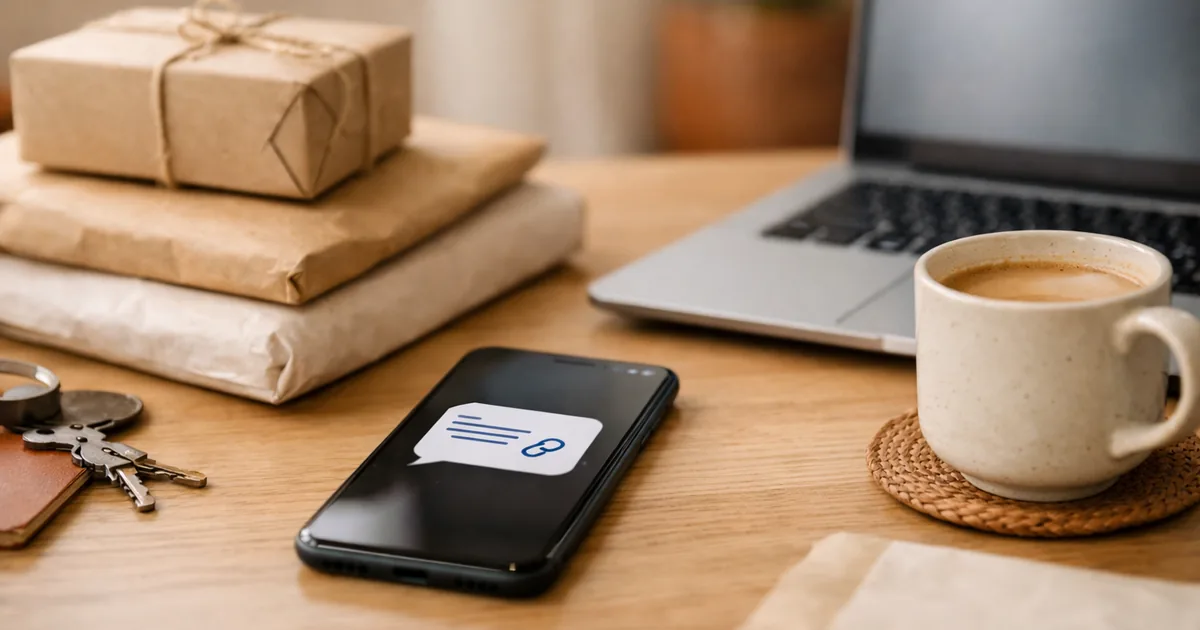
The holidays bring more parcels, and with them more fake texts about deliveries. The US Federal Trade Commission (FTC) warns that a text using the name of the US Postal Service, FedEx or DHL that talks about unpaid postage, a missed delivery or the need to update your shipping preferences and tells you to click a link has a good chance of being a scam. The click leads to a look-alike of a real website, and whatever you pay there — along with your card number, name, address and anything else you enter — goes straight to the scammer. The FTC’s answer is short: do not click the link; go to the retailer’s site or the account you ordered from and look up the tracking yourself. We set out two FTC consumer alerts and one FTC article, and add a checker that runs a text you received through seven warning signs.
1. Do not click links in the text — even if you think it is about a real delivery, give no information and click nothing (FTC).
2. Check the delivery where you ordered — the retailer’s site or account, or a website or phone number you already know is real.
3. Filter and report — your phone’s unknown-sender filters and blocking, and the messaging app’s report-junk option.
How the scam works — FTC
- A plausible text — it confirms an order, says a package is out for delivery, or claims a problem such as unpaid postage, a missed delivery or shipping preferences to update, and says to click a link to learn more or fix it (April 2025 alert).
- A fake tracking code — a made-up shipment tracking code with a link to update delivery preferences; one version used FedEx’s name, but scammers may use another well-known shipper or the US Postal Service (February 2020 alert).
- After the click — a look-alike of a real website asks for personal or financial information. Pay, and the money plus your card number, name, address and everything else you typed goes to the scammer.
- Somewhere unrelated — in the 2020 example the link led not to delivery preferences but to a fake Amazon site offering a free prize for a customer satisfaction survey — if you gave a card number to pay for shipping. The FTC suggests asking why a delivery link goes to an unrelated site, and why a free prize needs payment.
- Hidden malware — the FTC’s spam-text article says some messages install harmful malware that steals personal or financial information without you realising.
Questions to ask yourself — FTC
| Question | What it points to | Source |
|---|---|---|
| Was I expecting a package delivery? | An unexpected delivery text deserves suspicion | February 2020 alert |
| Did I send a package to someone? | Nothing sent and nothing due makes it more suspect | February 2020 alert |
| Did I ask for text notifications? | Alerts you never signed up for | February 2020 alert |
| Does it tell me to click a link? | The click is what scammers want | April 2025 alert |
| Does it ask for personal or financial details? | Legitimate companies will not ask for account information by text | Spam-text article (July 2022) |
Checker
Results update as you choose. The seven signs come from the FTC’s February 2020 and April 2025 alerts and its July 2022 spam-text article; counting them, and treating any request for details or payment as a scam outright, is our arrangement. Even with no signs, the FTC says to check with the retailer rather than use the link. The checker does not decide whether a text is genuine.
Say you are expecting a parcel, but a text from a number you do not know, in the name of a company you never asked for alerts from, says a delivery failed and you must click to confirm your address: that is 4 of the 7 signs (unknown sender, no sign-up, link, problem). If the page behind the link then asks for your card number, it becomes 5. Close it and look up the tracking in the retailer’s app (all our arithmetic).
What to do — FTC
- Verify delivery independently — if you think a text is about a real delivery, do not give information or click links; go to the online retail site or account you ordered from and look up the shipping and tracking.
- Contact the company yourself — use a phone number or website you know is real, not the information in the text.
- Filter and block — see what your phone offers to filter and block texts from unknown senders; wireless providers may have blocking tools, and some call-blocking apps block texts too (check the features, user ratings and expert reviews).
- Report it — use the report-junk or spam option in your messaging app. In the US, the FTC says, if there is no such option, forward the message to 7726 (SPAM), and tell the FTC about scams at ReportFraud.ftc.gov.
Forwarding to 7726 and ReportFraud.ftc.gov are US channels. We did not read Korean spam and smishing reporting channels this time. If money has already left a Korean bank account, account freezes and refunds are in our phone-scam refund calculator (Korea).
The usual bait in spam texts — FTC
Besides delivery notices, the FTC’s spam-text article lists the bait: free prizes, gift cards or coupons that are not real; low- or no-interest credit cards with no deal and probably no card; offers to help pay off student loans; claims of suspicious activity on your account; claims of a problem with your payment information; fake invoices telling you to get in touch if you did not authorise a purchase; and fake package delivery notifications. Then come questions about how much you earn or owe, or your bank account, credit card or Social Security number, or a link to click. Log in at a spoofed site behind the link and scammers may steal your username and password.
Checklist
- ☐ Do not click links in unexpected delivery texts
- ☐ Look up tracking on the retailer’s site or app
- ☐ Contact companies through a website or number you already know
- ☐ Never enter card numbers, bank details or passwords from a text
- ☐ Turn on phone filters and blocking; report spam in your messaging app
Questions that remain
I clicked the link but entered nothing
The FTC describes the scam as the moment you enter information or pay, and says some texts can install malware. The FTC’s “How To Recognize and Avoid Phishing Scams” (September 2022) says that if you think you clicked a link or opened an attachment that downloaded harmful software, update your computer’s security software, run a scan and remove anything it flags. For phones it says to set software to update automatically. If in doubt, checking with the company through a number you already know fits the FTC’s “verify independently” (our reading).
I already typed in my card number
The same phishing page says that if you think a scammer has information such as your Social Security, credit card or bank account number, go to IdentityTheft.gov for steps that match what you lost (a US service). It also says multi-factor authentication (something you know, have or are) makes it harder for scammers to get in even with your username and password. With a Korean card, calling the card company straight away about blocking and reissue comes first (our note). How scammers take money through gift cards, and what to do then, is in gift card scams FTC.
Don’t real couriers send texts too?
They do. That is why the FTC steers you not to guess whether a text is real but to check another way. If the retailer’s app or site shows the same delivery, it is real and the link is unnecessary (our reading).
Sources
- FTC — Think that text message is from USPS? It could be a scam — source (consumer alert, 23 April 2025; checked 26 November 2026). Order confirmation, out for delivery, unpaid postage, missed delivery, shipping preferences; USPS, FedEx, DHL; look-alike site; verify independently, filters, reporting (7726).
- FTC — Is that text message about your FedEx package really a scam? — source (consumer alert, 20 February 2020; checked 26 November 2026). Fake tracking code and preferences link, three questions to ask, fake Amazon survey, prize and shipping fee, hidden costs of free trials.
- FTC — How to Recognize and Report Spam Text Messages — source (July 2022; checked 26 November 2026). Spam-text bait including fake delivery notifications, malware, legitimate companies not asking for account details by text, phone, provider and app blocking, three ways to report.
- FTC — How To Recognize and Avoid Phishing Scams — original (September 2022, checked 26 November 2026). Seven common tactics, four ways to protect yourself (security software, phone updates, multi-factor authentication, backups), asking whether you have an account with the company, what to do if you responded (IdentityTheft.gov, a security scan), reporting (7726, ReportFraud).
- Not read. The FTC’s free-trial pages, FTC Consumer Sentinel fraud data and holiday shopping alerts, USPS and FedEx guidance of their own, Korean smishing statistics and reporting channels (KISA, police, Ministry of Science and ICT), Korean courier guidance.
- What we added. The checker and its arithmetic (sign count, setting requests for details or payment apart), the example and the Korean notes. The alert author’s name and contact details on the pages are not reproduced.
Where to check further
- Your order history in the retailer’s app or site — for tracking.
- Your phone’s spam and blocking settings — for filtering unknown senders.
Written 26 November 2026. The content follows the sources; the notes and the checker are ours. This is general information — if you have lost money, tell your card company or bank and the police straight away.