You lose your phone, your laptop won't boot, or you delete the wrong folder. The first thought is always the same: “my photos.” Hardware can be replaced with money — data that isn't backed up is simply gone.
Backing up isn't hard. But without knowing what counts as a real backup, people lose everything while believing they were protected.
1. What the standard is. The widely used 3-2-1 rule — 3 copies · 2 different media types · 1 kept in another location. CISA’s small-business guidance uses the name too — but what CISA’s ransomware guide keeps demanding is offline, encrypted, and regularly tested.
2. What people get wrong. Cloud “sync” is not a backup. It is a live mirror — delete a file locally and it disappears there too, and ransomware uploads the encrypted versions. It copies mistakes and attacks faithfully.
3. What to do. The last step of a backup is a restore test — that is what separates a backup from believing you had one. Do a real restore at least once.
CISA’s ransomware guide has three demands instead of “3-2-1”
3-2-1 is spoken like standard vocabulary. So we went looking for what an agency actually writes.
We read the US Cybersecurity and Infrastructure Security Agency's ransomware guide through, and the expression “3-2-1” is not in it. What it does do is repeat three demands.
| What CISA requires | The wording |
|---|---|
| Offline | “Maintain offline, encrypted backups of critical data” |
| Encrypted | Written into the same sentence |
| Restore testing | “regularly test the availability and integrity of backups in a disaster recovery scenario” / “Test backup procedures on a regular basis.” |
| Do not put every cloud copy with one vendor | “Consider using a multi-cloud solution… in case all accounts under the same vendor are impacted” |
The document explains its own insistence on “offline.”
“It is important that backups are maintained offline, as many ransomware variants attempt to find and subsequently delete or encrypt accessible backups to make restoration impossible unless the ransom is paid.”
That is the agency basis for what section 2 of this article argues — cloud sync is not a backup. If it is connected, it goes down with you.

So this article borrows the name but puts the agency's two demands first — the last copy must be offline, and a backup you have never restored from is not a backup. That is why section 6 exists.
1. Why 3-2-1?
| Rule | Meaning · what it prevents |
| 3 copies | Original + two backups → one failing still leaves one |
| 2 media types | e.g. external drive + cloud → survives one type failing |
| 1 offsite | Fire, theft, flood → survives losing the whole house |
Back up to a single external drive and you lose everything when that drive dies. Backup media fail too.
2. Cloud sync is not a backup
Sync is a live mirror. Delete a file on your computer and it's deleted in the cloud. If ransomware encrypts your files, the encrypted versions sync upward. Sync faithfully copies your mistakes and your attackers.
| Aspect | Sync / backup |
| Purpose | Same files everywhere / preserve past states |
| On deletion | Gone from both / backup survives |
| Ransomware | Spreads / restore an earlier point |
| Versioning | Limited / point-in-time recovery |
There is a trash bin, though — Google Drive, Google Photos, iCloud Drive and OneDrive (personal accounts) keep deleted files for 30 days (OneDrive work or school accounts: 93 days unless an admin changed it; each vendor’s help page checked 15 October 2026). Past that window recovery ends — so keep a separate backup rather than relying on sync.

3. Comparing methods
| Method | Pros / cons |
| Cloud storage | Automatic, offsite by default / paid above free tiers, lost account means lost access |
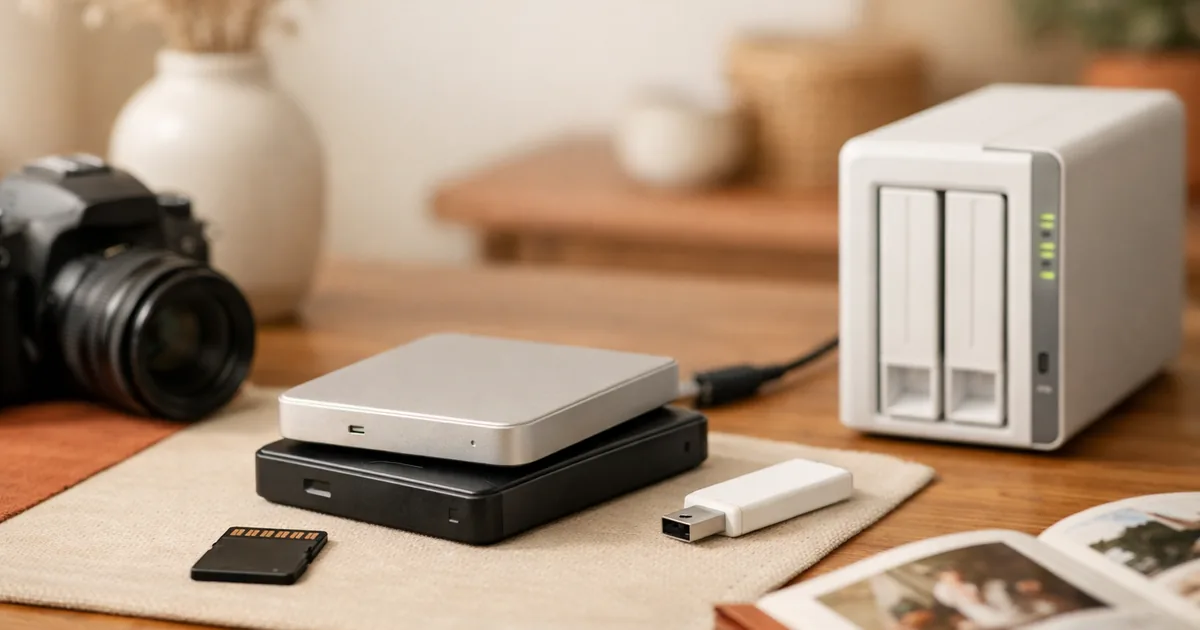
| External drive or SSD | Cheap, large / manual, fails or gets stolen, sits in the same building |
| Home NAS | Large, automated / upfront cost and setup, still onsite |
| USB stick | Convenient / small and easily lost |
The practical combination is cloud plus an external drive — the cloud satisfies “offsite” automatically and the drive satisfies “different medium.”
4. What to back up first
| 1st | Photos and videos — irreplaceable — you cannot get them again |
| 2nd | Scans of IDs and contracts |
| 3rd | Work and study files, creative projects |
| 4th | Contacts, notes, calendars (usually account-synced already) |
| 5th | Installers, media — downloadable again |
The fifth row doesn't really need backing up at all. If space is tight, drop it first. “Can I get this again?” is the only test that matters.

5. A 30-minute setup
| 1 | Turn on automatic photo backup on your phone |
| 2 | Check cloud storage space — tidy up or review plans |
| 3 | Copy photos and documents to an external drive |
| 4 | Enable 2FA on the cloud account — losing it loses the backup |
| 5 | Add a quarterly reminder to your calendar (our cadence) |
Step four matters: if the cloud is your only backup and the account is compromised or lost, so is the backup.
6. Test your restore
The most-skipped step. “The backup is running” and “the backup restores” are different claims. Silent failures for months are common.
- Once a year (our cadence — CISA says only “regularly”), actually pull a few files out and open them
- Confirm photos display and documents aren't corrupted
- Check that the external drive still mounts at all
- Glance at the last successful backup date regularly
7. What to do when things break
| Lost or broken phone | Restore from cloud backup on the new device |
| Accidental deletion | Check trash or recently deleted first (30 days at Google, iCloud and personal OneDrive) |
| Drive failure | Restore from the other medium — 3-2-1 earning its keep |
| Ransomware | Disconnect from the network, restore an earlier version |
| Account compromise | Change password, enable 2FA; offline copies stay safe |
Questions that remain
Isn't cloud alone enough?
Convenient, but exposed to account problems, deletions and ransomware. Keep at least one external copy.
How long do external drives last?
We found no agency source giving a lifespan. Assume failure timing is unpredictable — which is exactly why one copy isn't enough. Migrate old drives.
My photo library is too large.
Clearing duplicates, screenshots and blurry shots usually frees a surprising amount. Beyond that, a paid plan is the realistic answer.
How often should I back up?
CISA says to choose a backup that runs “automatically and regularly” and sets no interval. Our cadence: photos automatically, documents weekly, a full backup quarterly.
You can't create a backup after the accident. Turn on automatic photo backup today — that single switch prevents the loss you'd regret most.
Correction (15 October 2026). The opening summary and a heading still said the name “3-2-1” appears in no agency document, even after we found it in CISA’s “Back Up Business Data” on 23 September. They now say only that the ransomware guide lacks it. “Typically around 30 days” of trash is now the 30 days on each vendor’s help page, and the backup and restore-test cadence and the drive-lifespan line are marked as our own or removed where unsourced.
Sources
- Vendor help pages — Google What happens when you delete a file in Drive and Delete photos & videos, Apple Recover deleted files on iCloud.com, Microsoft Restore deleted files or folders in OneDrive (checked 15 October 2026). Source for the 30-day trash (93 days for OneDrive work or school accounts). This replaces the earlier “typically around 30 days”.
- US Cybersecurity and Infrastructure Security Agency — Back Up Business Data (checked 23 September 2026). Source for the 3-2-1 rule in agency wording, restore testing, the seven-day rollback, and choosing a backup that runs “automatically and regularly”.
- US Cybersecurity and Infrastructure Security Agency — Ransomware Guide (checked July 2026). Source for “offline, encrypted backups,” “regularly test the availability and integrity of backups,” “Test backup procedures on a regular basis,” the reason offline matters, and the multi-cloud recommendation.
- US Cybersecurity and Infrastructure Security Agency — Secure Our World (checked July 2026). Source for the update advice and “flaws in software can give criminals access to files or accounts.”
Where to check further
- Where the name “3-2-1” comes from. Not in the ransomware guide, but CISA’s Back Up Business Data says “Follow the 3-2-1 backup rule” — “3 copies of important files, 2 different types of storage media, 1 copy stored off-site” — and adds restore testing and being able to “roll back data at least seven days” (found 23 September 2026). Who coined it is still unknown; that an agency uses it is now confirmed.
- How often to run a restore test. The source says only “regularly” and sets no interval, so the cadence here is our suggestion. What matters more than the interval is whether you have ever actually restored anything.
- Guidance from your own national agency. Everything here rests on US CISA material. National cybersecurity agencies publish equivalent ransomware guidance, usually alongside local reporting procedures if you are hit.
As of July 2026. The offline, encryption and restore-testing requirements come from CISA source text; the name “3-2-1” was confirmed in CISA’s “Back Up Business Data” on 23 September. For account security see passwords and MFA, and for accounts opened in your name see the identity theft check. To keep the device itself going, see phone battery life and cutting your mobile bill. The cash-side equivalent is our emergency fund article.