
A full day of gripping a mouse and hammering a keyboard leaves your wrists achy and your fingers stiff — sometimes even a tingling feeling. Wrists and fingers doing the same motion all day need loosening up just like the neck and back.
Here are five wrist-and-hand stretches you can do at your desk in 30 seconds. Let go of the mouse and try them.
Gentle, only to a pain-free range. If tingling in the hand or fingers persists or worsens (e.g. carpal tunnel), don't push it — get it checked.
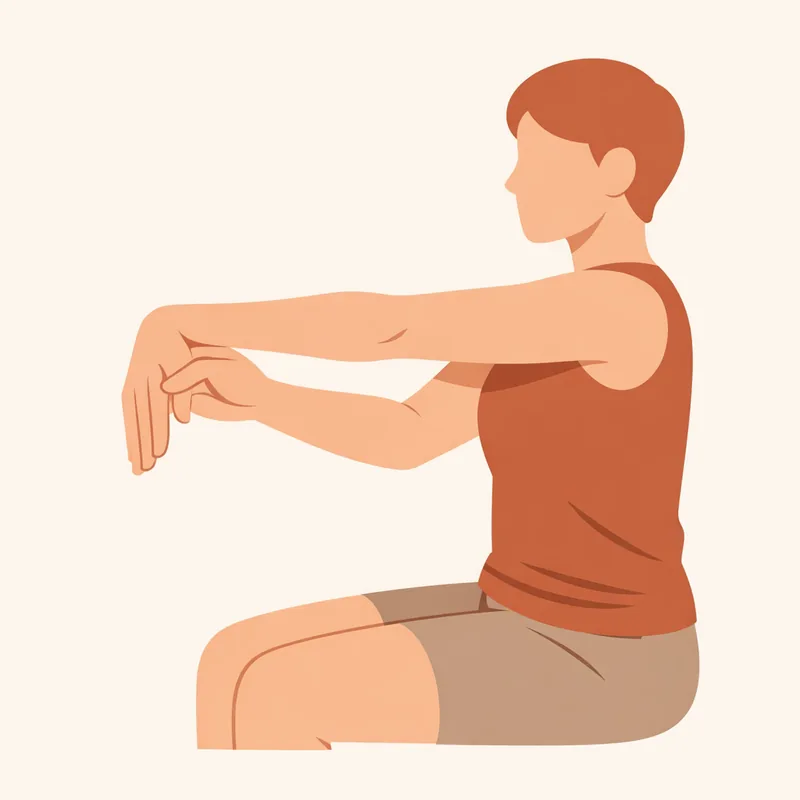
① Wrist Flexor Stretch
Extend one arm forward, palm up and fingers pointing down, then use the other hand to gently pull the fingers toward you. Stretches the underside of the forearm and wrist.
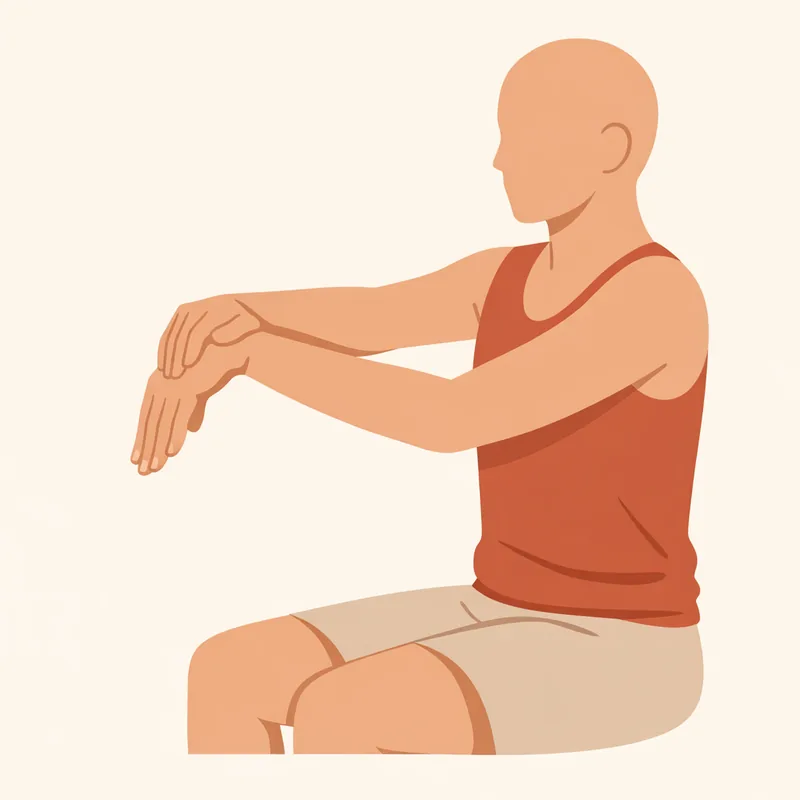
② Wrist Extensor Stretch
Now palm down, fingers pointing down, and press the back of the hand toward you with the other hand. Loosens the top of the forearm and wrist.
③ Prayer Stretch
Press both palms together in front of the chest and slowly lower the hands until you feel a stretch in the wrists. Releases both wrists at once.

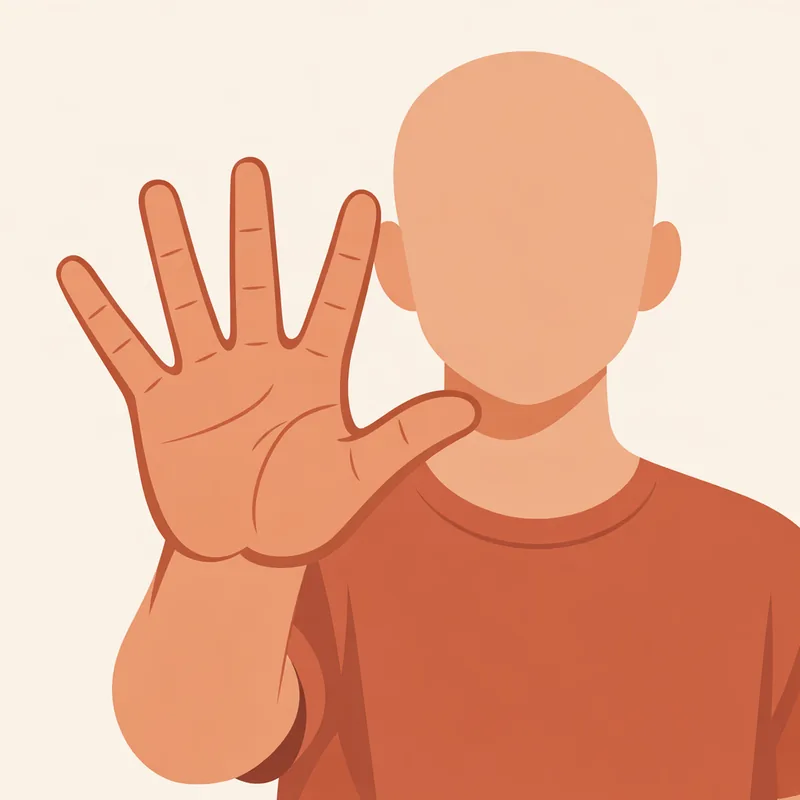
④ Finger Spread
Spread all five fingers as wide as you can, then relax into a loose fist. It reverses the muscles that have been gripping all day.
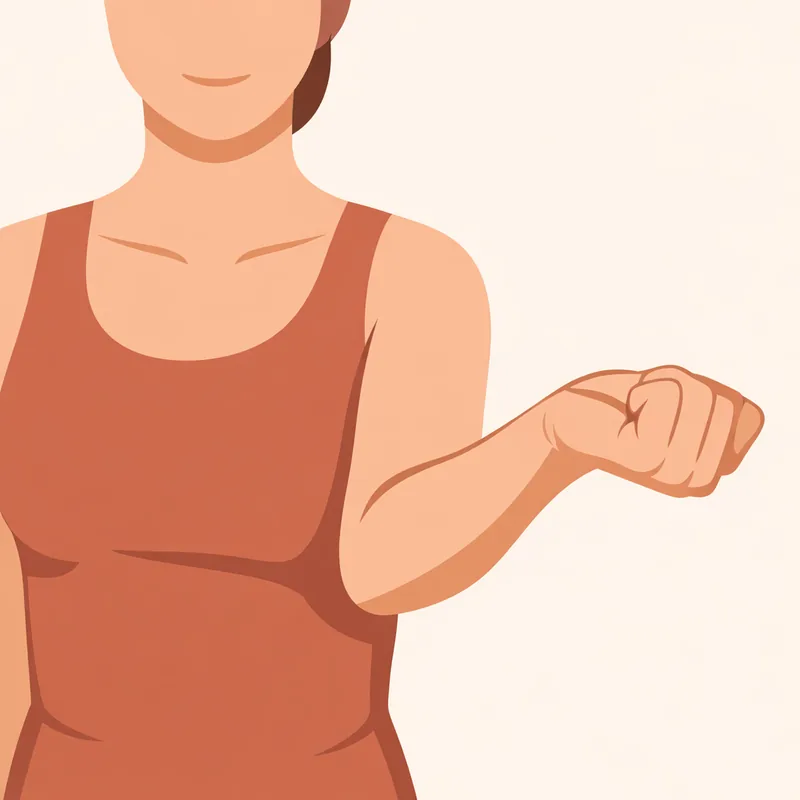
⑤ Wrist Circles
Make a loose fist and rotate the wrist in big slow circles, both directions, to mobilize the joint.
Tips to spare your wrists
- Don't bend the wrist up while typing — keep it in line with the forearm.
- Move the mouse with your arm, not just a flicking wrist.
- Use a wrist rest or palm rest.
FAQ
My hand keeps tingling — will stretching fix it?
For mild fatigue it helps, but repeated, persistent tingling can signal carpal tunnel or similar — get it checked in that case.
How often?
30 seconds every 1–2 hours is enough. The more typing, the more often.
Wrists and fingers are small and easy to ignore, yet they're the most repeatedly used. Loosen them for 30 seconds each time you let go of the mouse.
This is general health information and does not replace medical diagnosis or treatment. If tingling or pain persists, consult a professional.