How many passwords do you actually use? Most people run two or three variations across dozens of sites — and that's the single most dangerous habit. One breach and the rest fall like dominoes.
These standards work with any service, in any country. Thirty minutes today saves you years of trouble.
Three priorities — ① secure your email account hardest (it's the key to everything) ② stop reusing passwords ③ turn on two-factor authentication. That order removes most of your risk.
1. Why email comes first
Email is the master key. Forget a password anywhere and the reset link goes... to your email. An attacker holding it can reset other accounts one by one without knowing a single other password.
| Priority | Account type · protection |
| 1st | Email — strongest password + passkey or security key |
| 2nd | Banking and payments — app-based 2FA essential |
| 3rd | Cloud storage (photos, documents) |
| 4th | Social and messaging — impersonation risk |
| 5th | Shopping and others — check stored payment methods |
2. Not all two-factor is equal
| Method | Strength · notes |
| Password only | ⭐ — leaked means breached |
| SMS codes | ⭐⭐ — better than nothing, but vulnerable to SIM swapping |
| Authenticator app (TOTP) | ⭐⭐⭐⭐ — rotating codes. The sensible default |
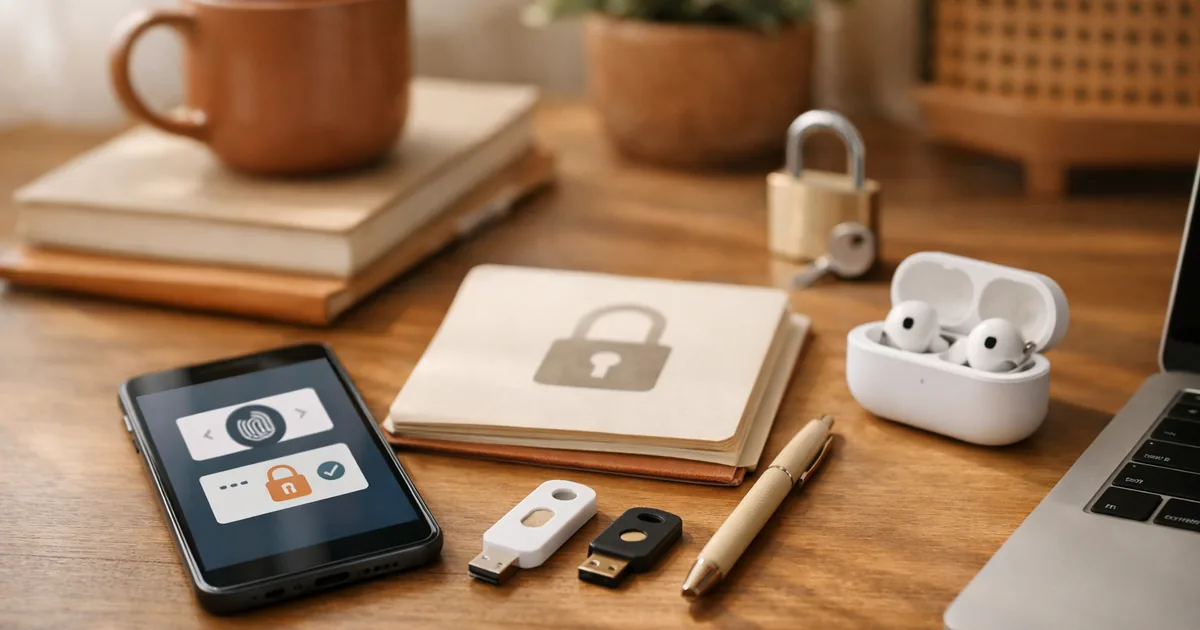
| Passkeys | ⭐⭐⭐⭐⭐ — device-held key + biometrics. Phishing-resistant |
| Hardware security key | ⭐⭐⭐⭐⭐ — strongest; plan for loss |
The SMS weakness — an attacker who convinces a carrier to move your number to their SIM receives your codes. Move important accounts to an app or passkey. That said, SMS 2FA still beats no 2FA.
What is a passkey?
It signs you in with your device's biometrics instead of a password. The secret stays on your device and is never sent to the server.
- A server breach exposes no password to steal
- It simply won't work on a fake site, defeating phishing
- Support keeps expanding — switch service by service as it becomes available
3. Good vs bad passwords
A common misconception: length beats complexity. Four unrelated words at 20 characters outperform a symbol-stuffed eight-character password.
| ❌ Bad | ✅ Better |
| Name, birthday, phone number | Nothing tied to your identity |
| Predictable swaps like P@ssw0rd! | Four or more unrelated words |
| Same base with a changing number | Completely different per site |
| Eight characters or fewer | 12 minimum, 16+ preferred |
| Notes app or spreadsheet | A password manager |
| Forced changes every 90 days | Change only when breached |
That last row surprises people. Routine forced rotation is no longer recommended because it pushes users toward weaker, predictable passwords. Long, unique, and changed on breach is the current standard.
4. Password managers are effectively essential
- Remember one master password; everything else autofills
- They generate long random passwords per site
- They won't autofill on lookalike domains — quiet phishing protection
- Built-in browser and OS managers are now perfectly serviceable
Just never forget the master password, and always put 2FA on the manager account itself.
5. Your 30-minute plan
| 1 | Check whether your email appears in known breaches — 5 min |
| 2 | Change your email password to something long and unique — 5 min |
| 3 | Enable app-based 2FA on email — 5 min |
| 4 | Save the recovery codes somewhere safe — 3 min |
| 5 | Verify 2FA on financial accounts — 10 min |
| 6 | Install a password manager and migrate gradually — ongoing |
⚠️ Do not skip recovery codes. With 2FA on, losing your phone can lock you out permanently. Print the backup codes or set up your authenticator on a second device. This is how people lose accounts for good.
6. Phishing targets people, not passwords
- Never log in via a link. Type the address or use the app
- "Your account is locked", "act now" — urgency is the tell
- Never share a verification code. No legitimate support asks
- Check sender domains letter by letter
- Avoid banking on public Wi-Fi
FAQ
Isn't a password manager a single point of failure?
In theory, but vaults are encrypted and the master password isn't stored on servers. Reuse across sites is the far more realistic risk.
Is the browser's built-in manager enough?
Much better than nothing. Just secure the device lock and the account's 2FA.
Two-factor feels tedious.
Most services remember trusted devices, so prompts are rare after setup.
I got a breach alert. Now what?
Change that password immediately, then every site where you reused it, and enable 2FA.
Ninety percent of security is three habits — don't reuse, turn on 2FA, never log in from a link. Start with your email today.
This is general information and does not endorse specific products. Settings and available features differ by service — check their official guidance.